Online booking
Online class booking for gyms
Members book classes and appointments in the Finegym app or on your website, see spots left, join waitlists and get instant confirmations.
On every plan, Free included
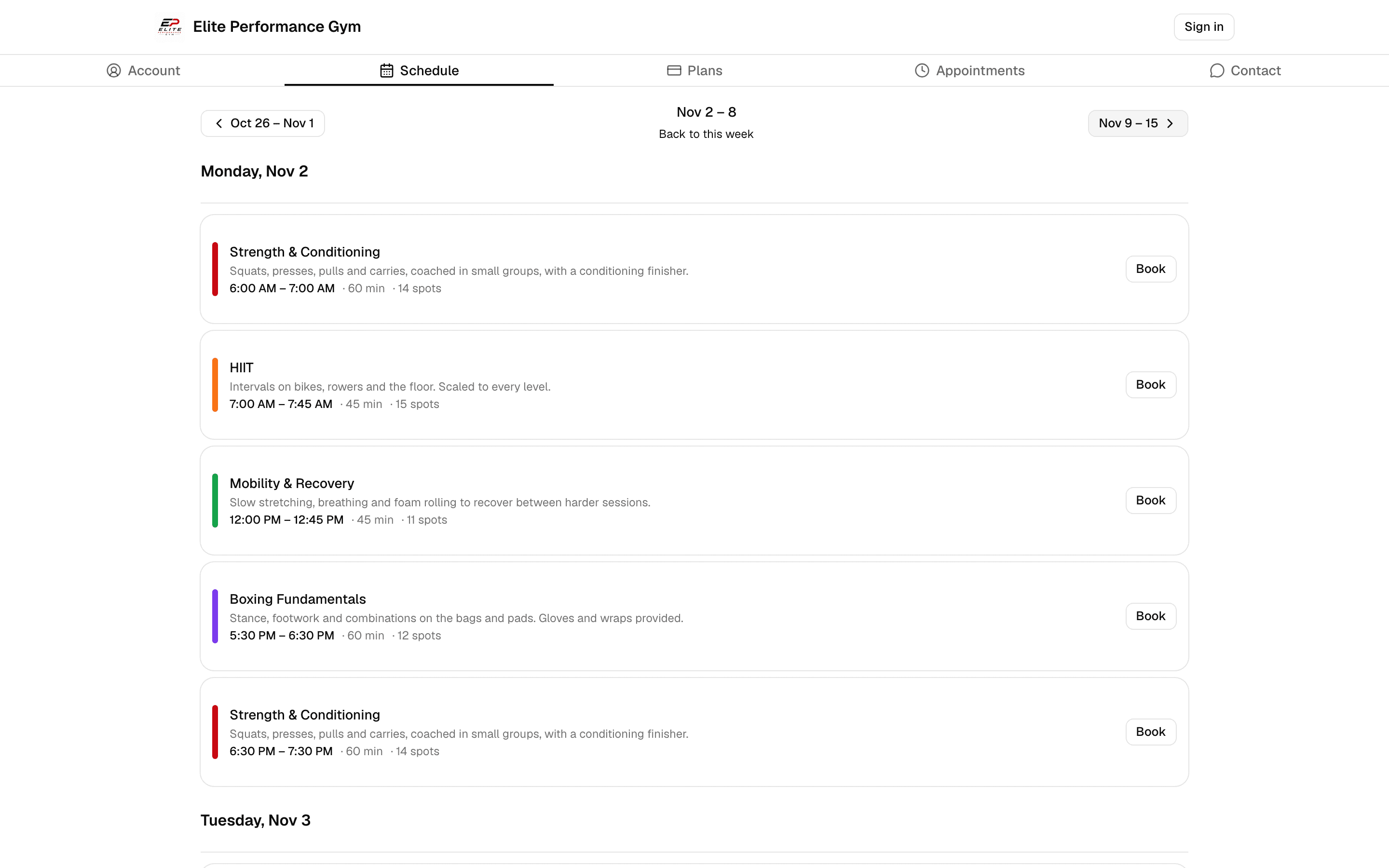
Classes
Booking in a few taps
Finegym’s mobile app allows members to book their favorite classes and personal training sessions with ease. With real-time availability and instant confirmation, members have full control over their schedules.
- Real-time availability
- Members can see real-time availability for classes and sessions, ensuring they never miss out on a spot.
- Instant confirmation
- Bookings are confirmed instantly, and members receive immediate feedback when their slot is secured.
- Flexible scheduling
- Members can cancel bookings before the free cancellation time and book again as their plans change, making the booking process as flexible as their schedules.
- Mobile convenience
- Book classes and sessions from anywhere using the Finegym mobile app, allowing members to manage their workouts on the go.
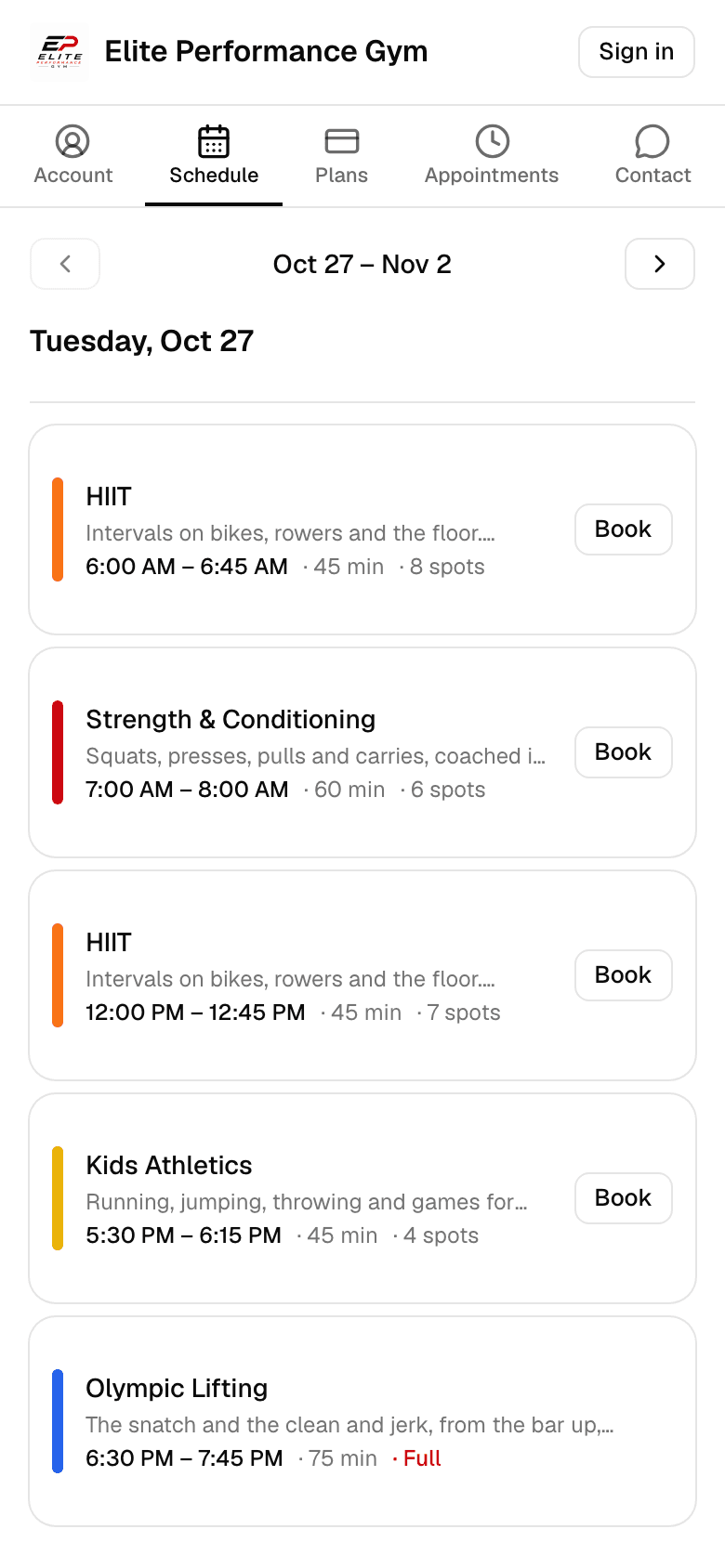
Appointments
Personal training appointments
Finegym’s mobile app makes it easy for members to book personal training sessions. With available trainers and time slots clearly listed, members can find and schedule their preferred training sessions in just a few taps.
- View available trainers
- Members can browse through available trainers and view their available time slots.
- Select date and time
- Choose from available dates and times that fit your schedule for booking appointments.
- Select membership for booking
- Members can select which valid membership to use when booking their training session.
- Cancel existing reservations
- If plans change, members can easily cancel their existing appointments through the app.
Choose the appointment
On your website or in the app, such as Personal Training.
Pick a coach, or Anyone
Then a day, and one of the times still free.
Confirm
With a membership that covers it, or pay for the one session by card.
Upcoming bookings
Every booking in one place
Members can view and manage all their upcoming classes and personal training sessions directly from the app. Finegym’s registration management makes it easy for members to stay on top of their workout schedules.
- View upcoming bookings
- Members can easily view a list of all upcoming classes and training sessions they’ve booked, ensuring they never miss a session.
- Manage bookings on the go
- If plans change, members can cancel bookings through the mobile app before the free cancellation time, and book again.
- Booking history
- Members can review their booking history to track their attendance and progress over time.
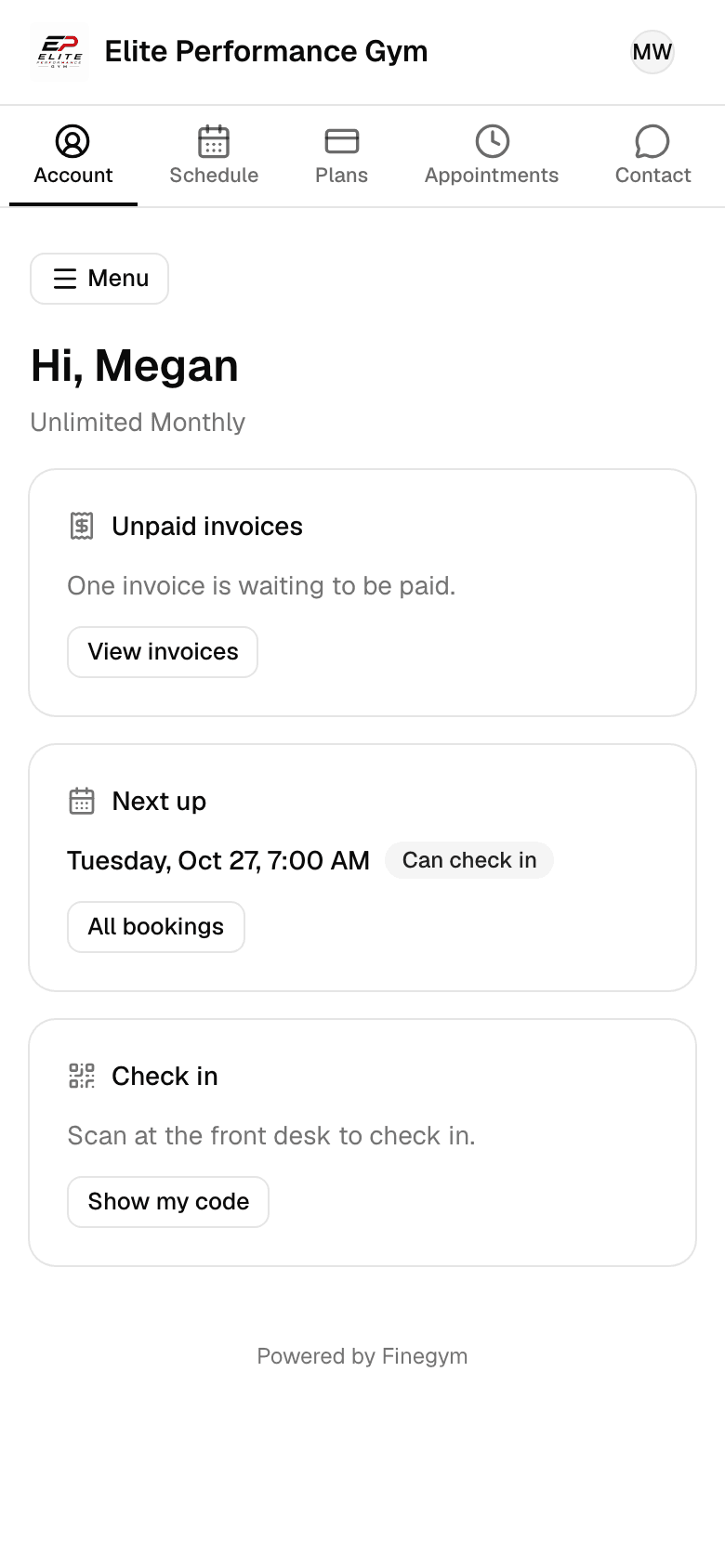
Notifications
Confirmations and notifications
Members get a confirmation email for every booking, with the session attached as a calendar event, and are told when the business cancels or moves one. Finegym ensures that members stay informed and on schedule.
- Booking confirmation emails
- Members get a confirmation email for every class and personal training booking, with the session attached as a calendar event.
- Real-time updates
- Members are notified in real time of any changes to their bookings, such as cancellations or rescheduled sessions.
- Customizable notifications
- Members choose in their profile whether they also get texts and app notifications.
Related features
Step-by-step guides
How it works in detail, in the Finegym help center.
Which plan do I need?
Free covers the day-to-day. Starter adds integrations, Growth adds marketing and your own branded app. Starter and Growth start with a 30-day free trial, no card needed.
Compare plans- Classes and schedulingSchedule group classes, set capacity limits, manage waitlists, and allow members to book directly from the app.
- AppointmentsPersonal training and consultations, booked around each coach's availability.
- Member appThe Finegym member app for iPhone and Android: members book classes, view schedules, manage memberships, and check in. Your own branded app on Growth.
- Your websiteEvery business gets its own website with its class schedule, plans and appointment booking, plus widgets to embed them in a site you already have.
Frequently asked questions
More answers, with steps and pictures, are in the help center. Help Center
Yes, Finegym’s mobile app allows members to book classes, personal training sessions, and other activities directly from their mobile devices, offering convenience and flexibility.
Members can see real-time availability for classes and sessions in the mobile app, ensuring they always have up-to-date information before booking.
Members can cancel a booking in the app or on your website until its free cancellation time, then book another class or time. Staff can move an appointment for a member, and the member is told by email and app notification.
Members get a confirmation email when they book, with the session attached as a calendar event for their phone’s calendar. Finegym doesn’t send separate reminders before a class or session.
The gym admin sets when booking opens and closes for each class type, and how much notice members must give for each appointment type, giving the gym full control over availability.
Open on Finegym tomorrow.
Sign up in about two minutes, no card needed, and add your plans, schedule and members at your own pace. Moving from other software? We help for free.